Skip to content

Printer Fix Tips

Simple, step-by-step fixes for every printer problem

  • Home
  • Not Printing
  • WiFi & Connection
  • Error Codes
  • Ink & Cartridges
  • Paper Jams
  • Setup & Drivers
  • Brands
    • HP
    • Epson
    • Canon
    • Brother
    • 3D & Label Printers

admin

Printer Driver Is Unavailable? How to Fix It on Windows 11 and 10
November 7, 2026 by admin
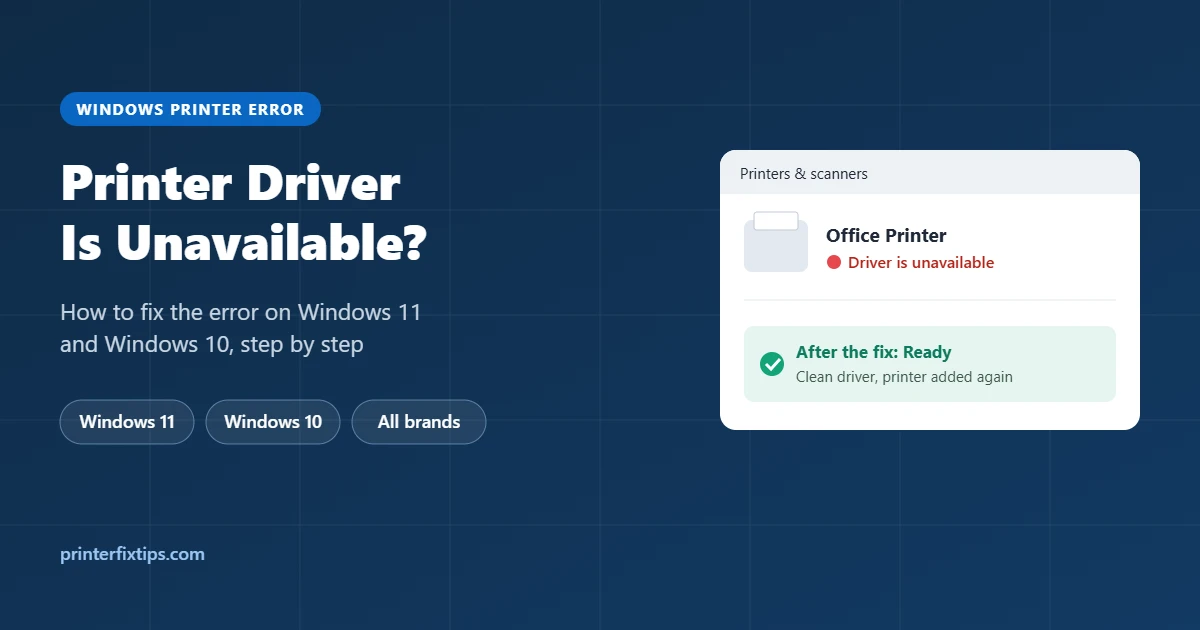
Printer driver is unavailable error in Windows Printers and scanners and the fixed Ready status

Windows says your printer driver is unavailable? Here is why it happens and how to fix it on Windows 11 and 10, including the clean driver reinstall that solves most cases and a temporary built-in driver.
Categories Printer Setup & Drivers Leave a comment

Why Is My Printer Not Printing? 12 Fixes That Actually Work

November 7, 2026 by admin
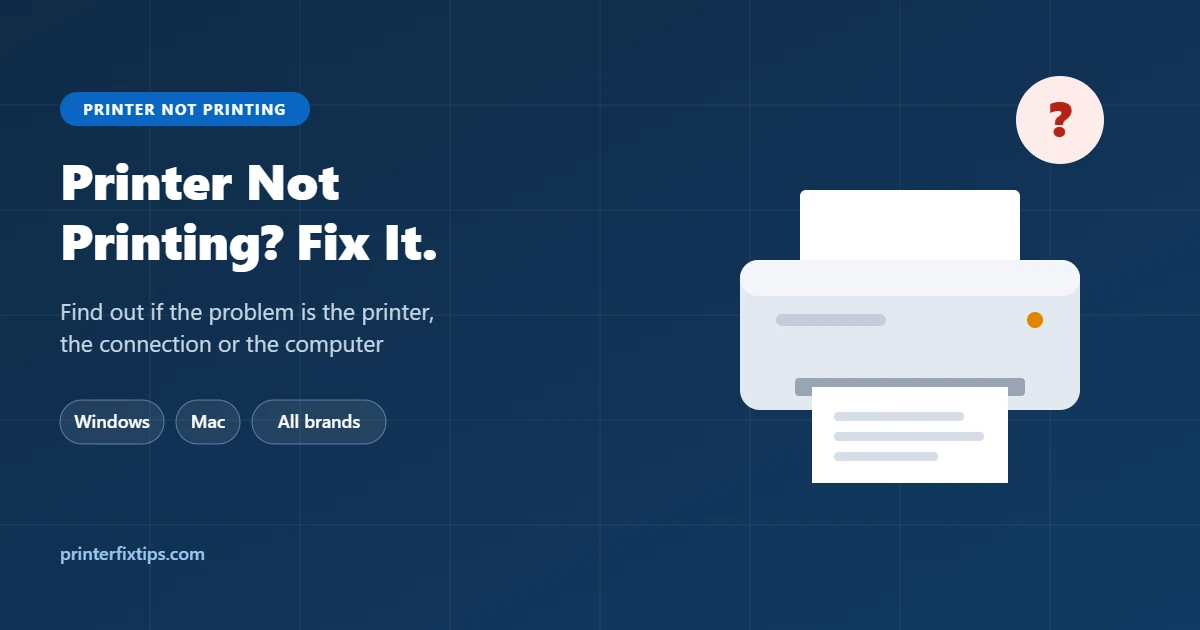
Printer not printing troubleshooting guide for Windows and Mac

Printer not printing? Find out whether the problem is the computer, the connection or the printer, then work through 12 fixes for Windows and Mac, including blank pages and missing black or color.

Categories Printer Not Printing Leave a comment

How to Connect an HP Printer to WiFi (Step-by-Step Guide)

November 7, 2026 by admin
How to connect an HP printer to WiFi using the HP app, WPS or the Wireless Setup Wizard

Connect any HP printer to WiFi: the Wireless Setup Wizard for touchscreen models, the HP app for printers without a screen, or the WPS button. Plus how to switch to a new router and what to do when it won’t connect.

Categories HP Printers, WiFi & Connection Issues Leave a comment

How to Fix Printer Offline on Windows 10, Windows 11 and Mac

November 7, 2026 by admin
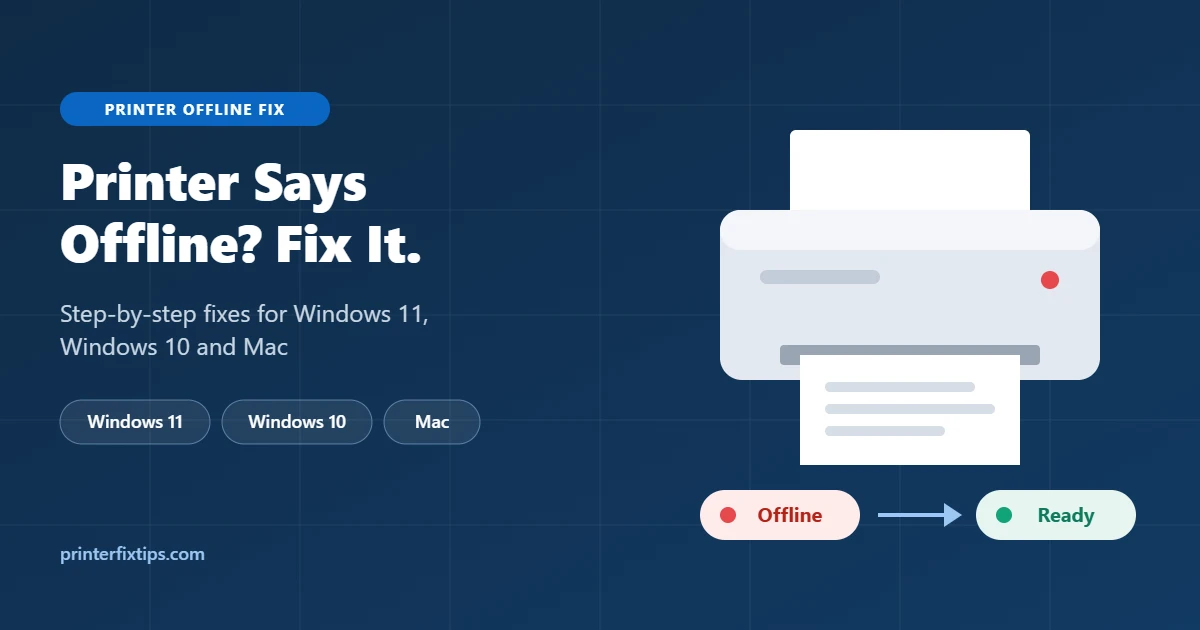
Printer offline fix guide for Windows 11, Windows 10 and Mac showing a printer going from Offline to Ready

Printer says offline but it is on? Here are 9 fixes for Windows 11, Windows 10 and Mac, from turning off Use Printer Offline to fixing the IP address so it stops going offline.

Categories WiFi & Connection Issues Leave a comment

Printer Paper Size: Standard Dimensions Explained (Letter, A4 and More)

November 7, 2026 by admin
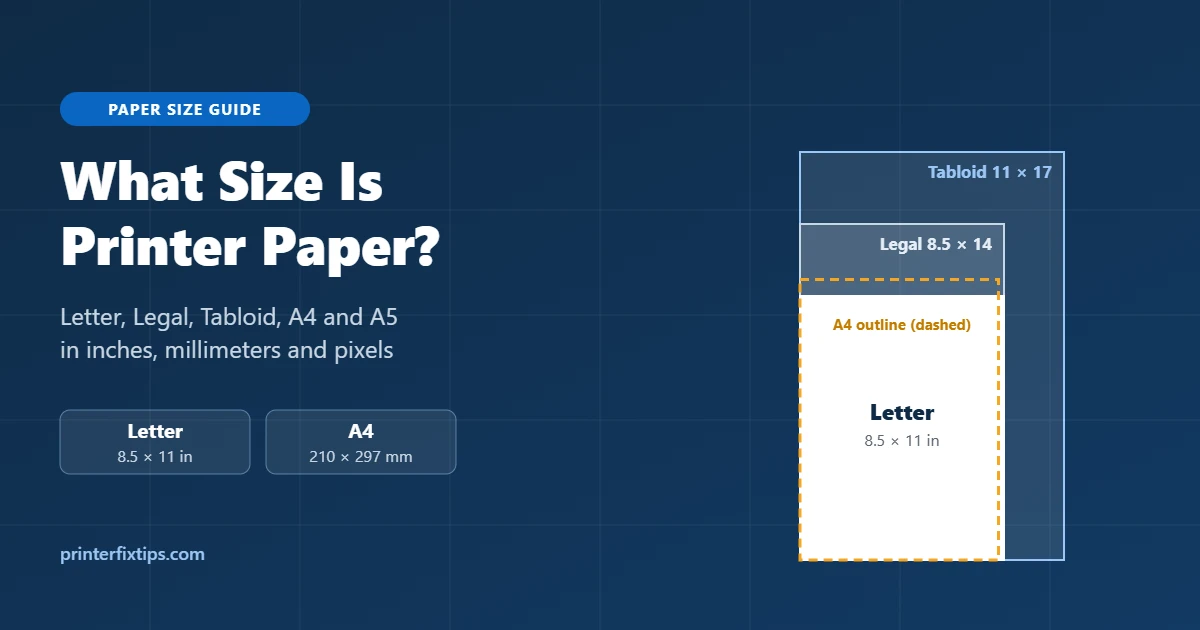
Printer paper size guide showing Letter, Legal, Tabloid and A4 sheets drawn to scale

Standard US printer paper is Letter size, 8.5 x 11 inches (215.9 x 279.4 mm). See A4, Legal, Tabloid and every common size in inches, millimeters and pixels, plus how to set the paper size on your printer.

Categories Paper Jams & Feed Problems Leave a comment

Latest Fixes

  • Printer Driver Is Unavailable? How to Fix It on Windows 11 and 10
  • Why Is My Printer Not Printing? 12 Fixes That Actually Work
  • How to Connect an HP Printer to WiFi (Step-by-Step Guide)
  • How to Fix Printer Offline on Windows 10, Windows 11 and Mac
  • Printer Paper Size: Standard Dimensions Explained (Letter, A4 and More)

Printer Problems

  • HP Printers
  • Paper Jams & Feed Problems
  • Printer Not Printing
  • Printer Setup & Drivers
  • WiFi & Connection Issues

About Printer Fix Tips

Printer Fix Tips publishes free, easy-to-follow guides that help you fix common printer problems at home or in the office. We are an independent site and are not affiliated with any printer manufacturer.

Popular Topics

  • HP Printers
  • Paper Jams & Feed Problems
  • Printer Not Printing
  • Printer Setup & Drivers
  • WiFi & Connection Issues

Latest Guides

  • Printer Driver Is Unavailable? How to Fix It on Windows 11 and 10
  • Why Is My Printer Not Printing? 12 Fixes That Actually Work
  • How to Connect an HP Printer to WiFi (Step-by-Step Guide)
  • How to Fix Printer Offline on Windows 10, Windows 11 and Mac
  • Printer Paper Size: Standard Dimensions Explained (Letter, A4 and More)

About Us | Contact Us | Privacy Policy | Disclaimer | Terms and Conditions

© 2026 Printer Fix Tips • Built with GeneratePress